Hill Maker - Blender Terrain Addon
A downloadable tool
Hill Maker
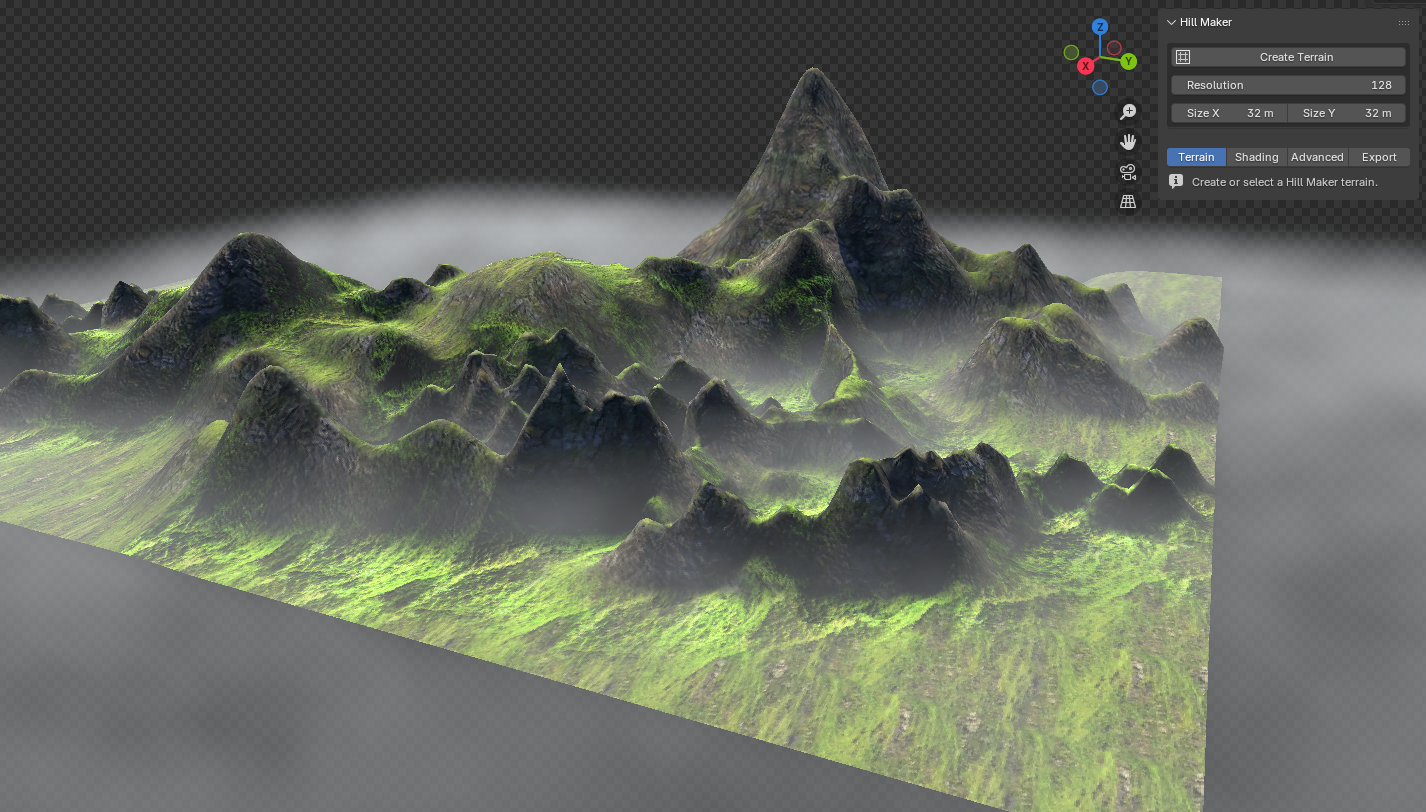
is a terrain addon made for level designers in Blender
with many features dedicated to optimization & specialized for low poly that scales to high poly terrain. Like every addon I create, I made it for my own work first, so that's how you know it'll actually work.
No more terrain slop! Make it yourself, but MAKE IT EASIER. I make addons for artists, not Blender wizards. But hey Blender wizards, I'm not gonna turn you away. You'll have an easier time as well. When tools are intuitive, I find I want to do more work, because the work has been made fun. This was my thought process with my first tool Cycletex, and I've tried to make every tool after it with fun & intuitiveness as a priority.
Features
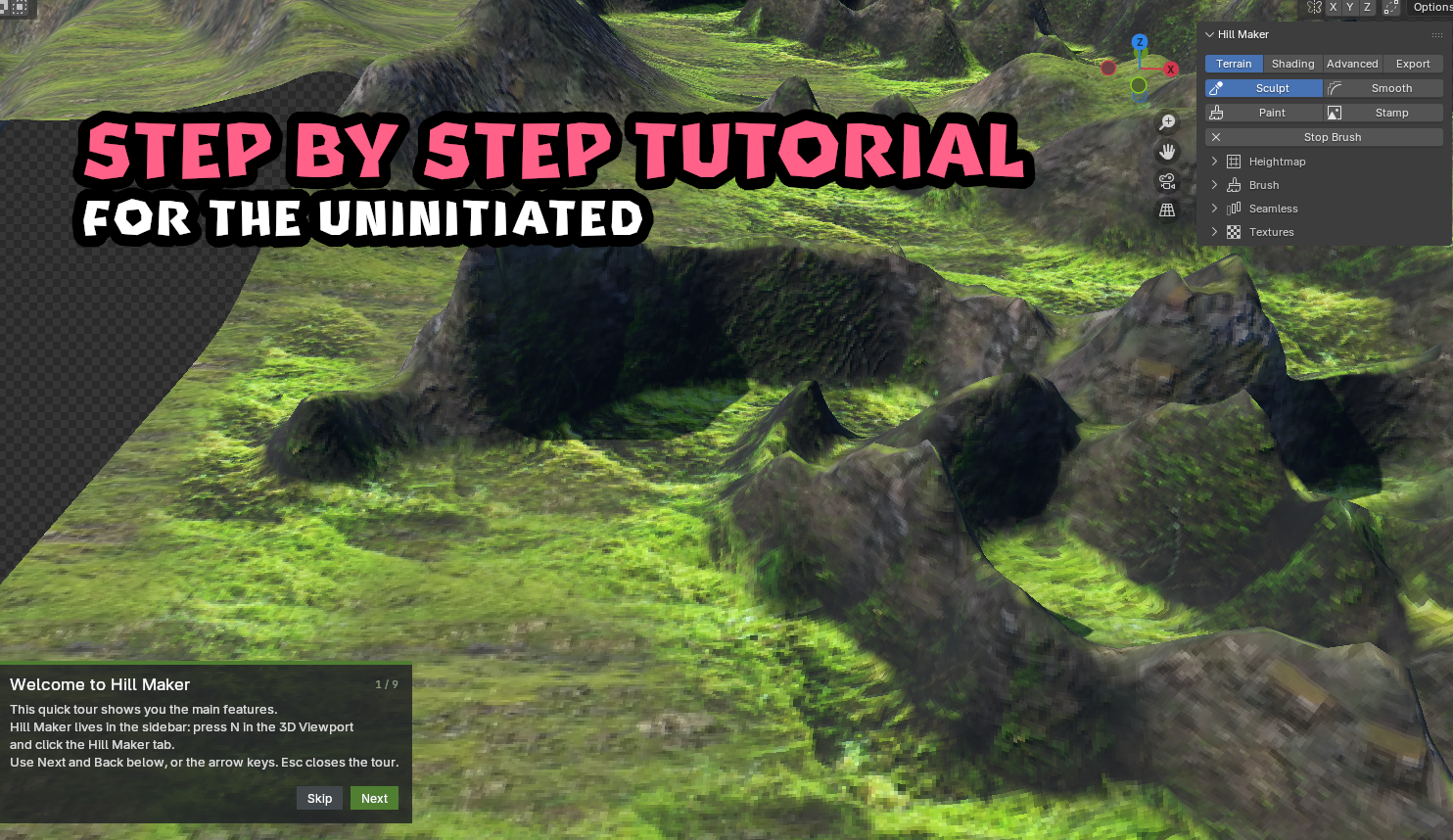
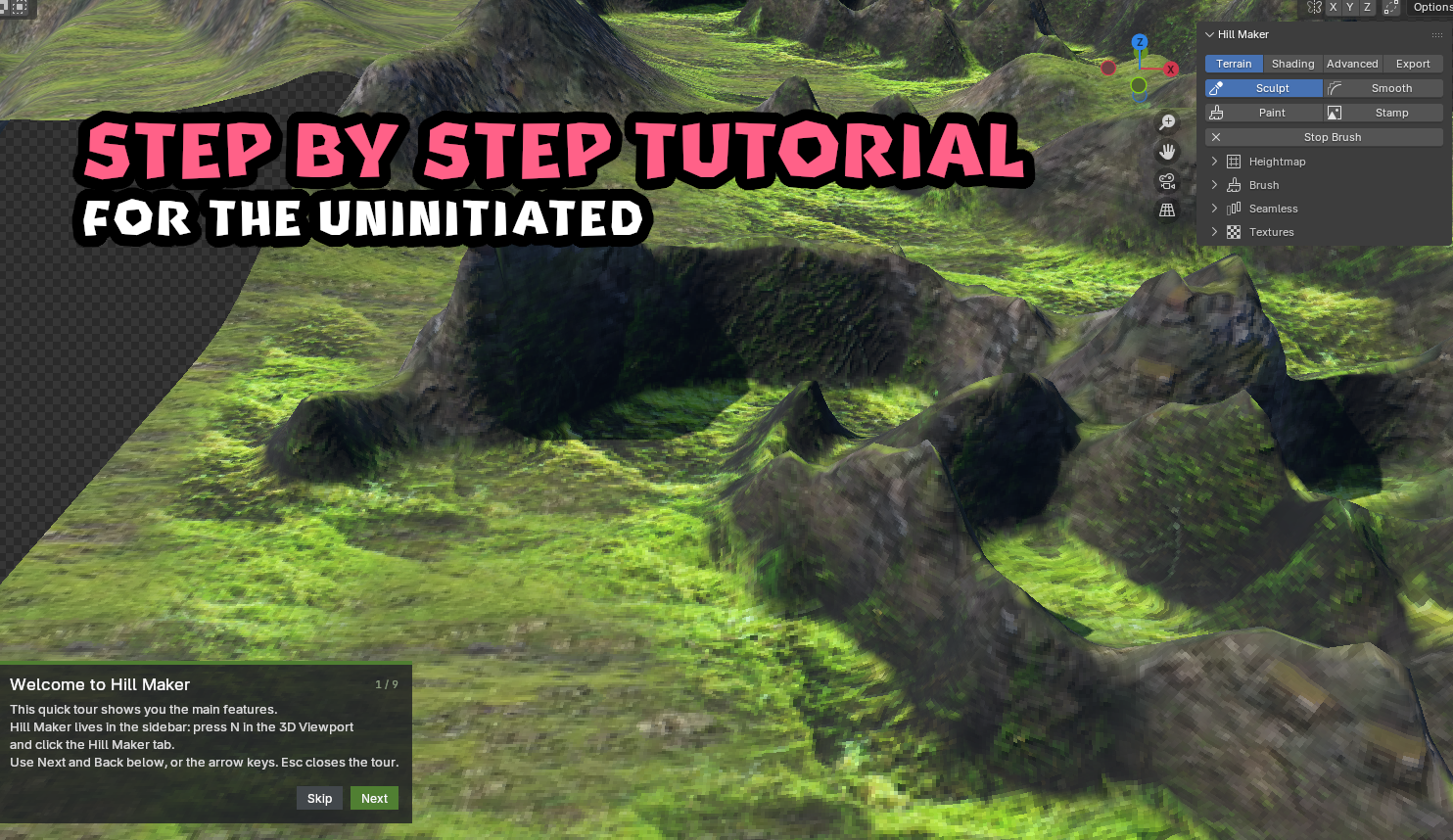
- Step by step tutorial
- Create Terrain Make a heightmap terrain at any size and resolution with one click.
- Sculpt Raise and lower the terrain with a brush. Hold Shift to lower.
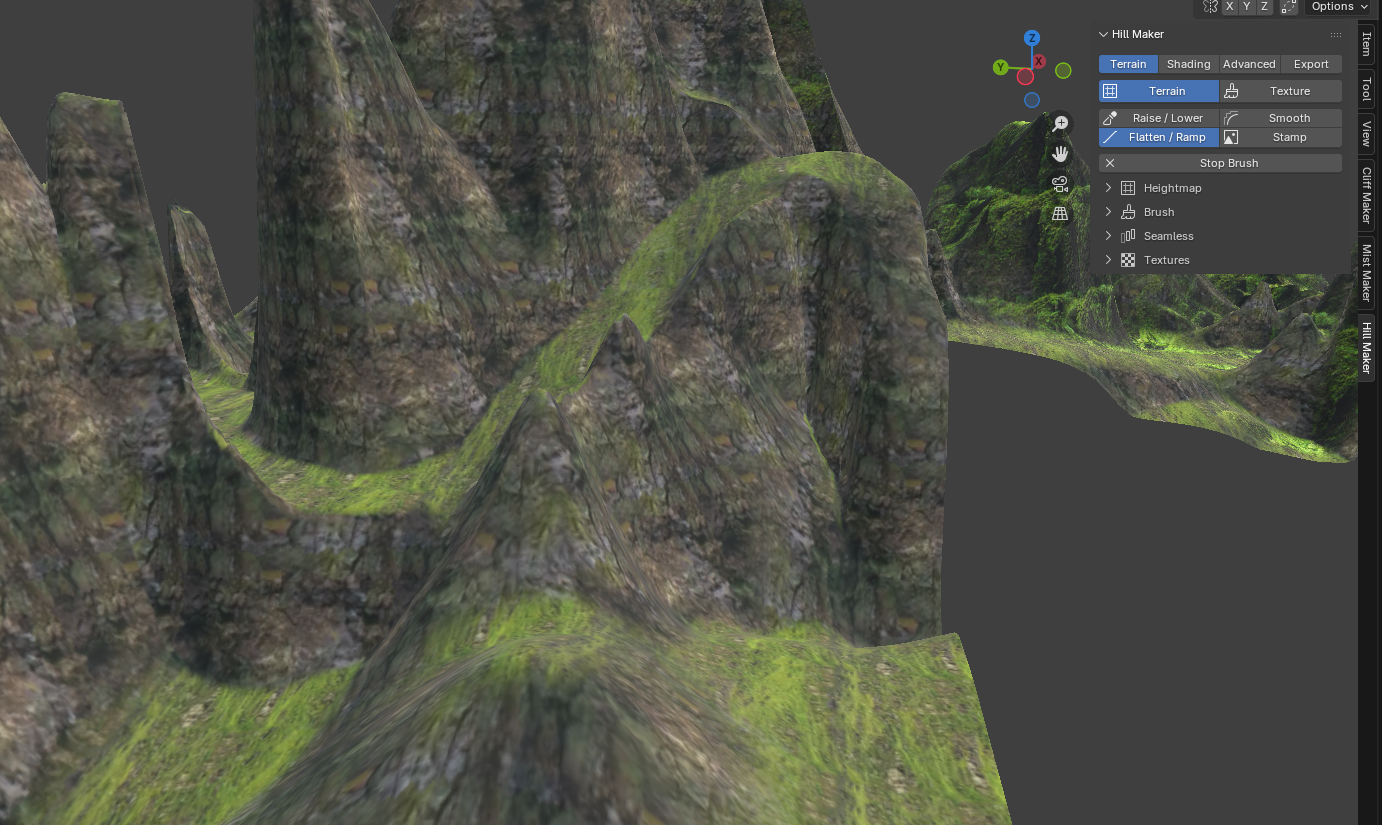
- Ramp tool (perfect for Sonic The Hedgehog fangame devs or someone who wants to achieve something like it)
- Smoothly ramps up & down the terrain with a track-like slope while you paint.
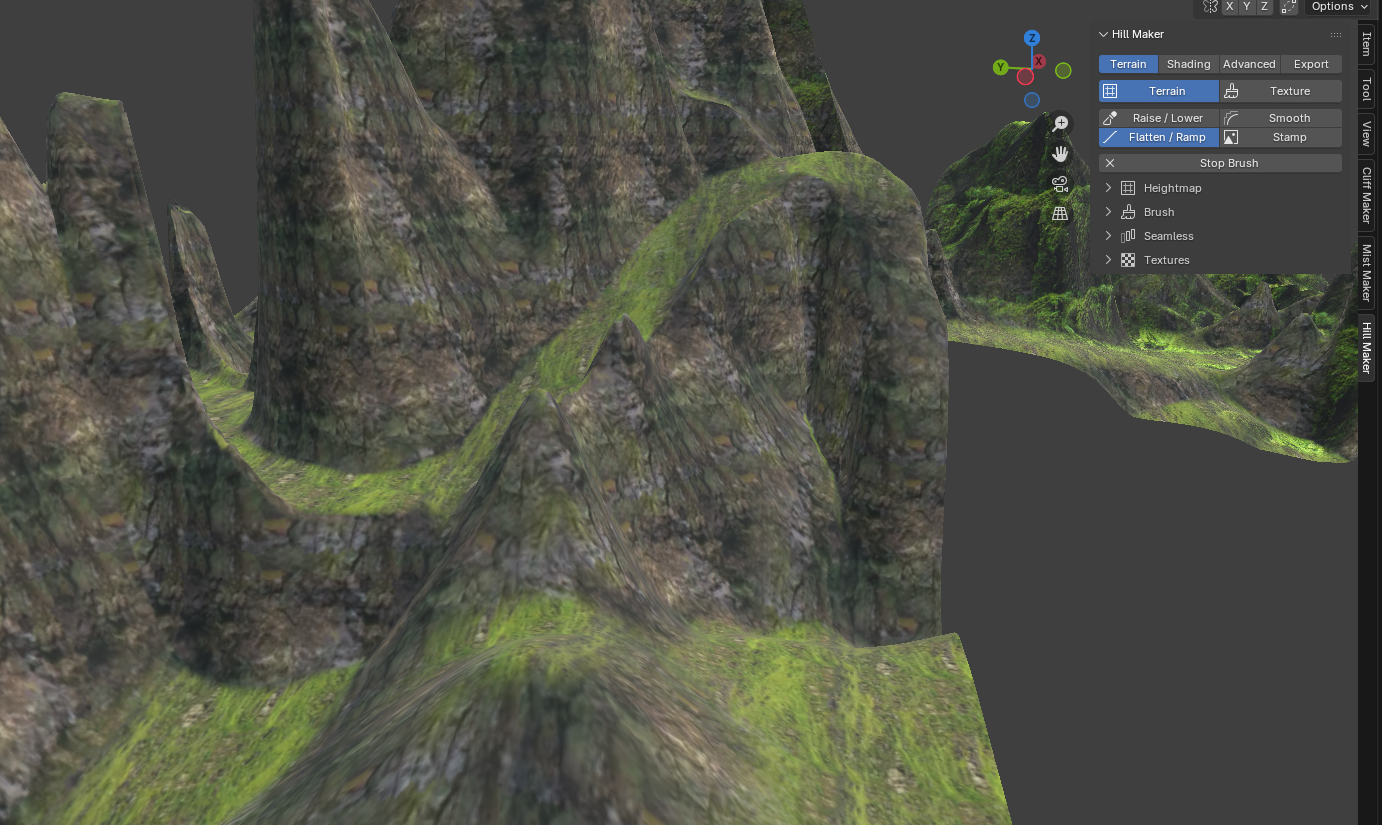
- Smooth & Flatten Smooth out bumps, or hold Shift to flatten to the height you started on.
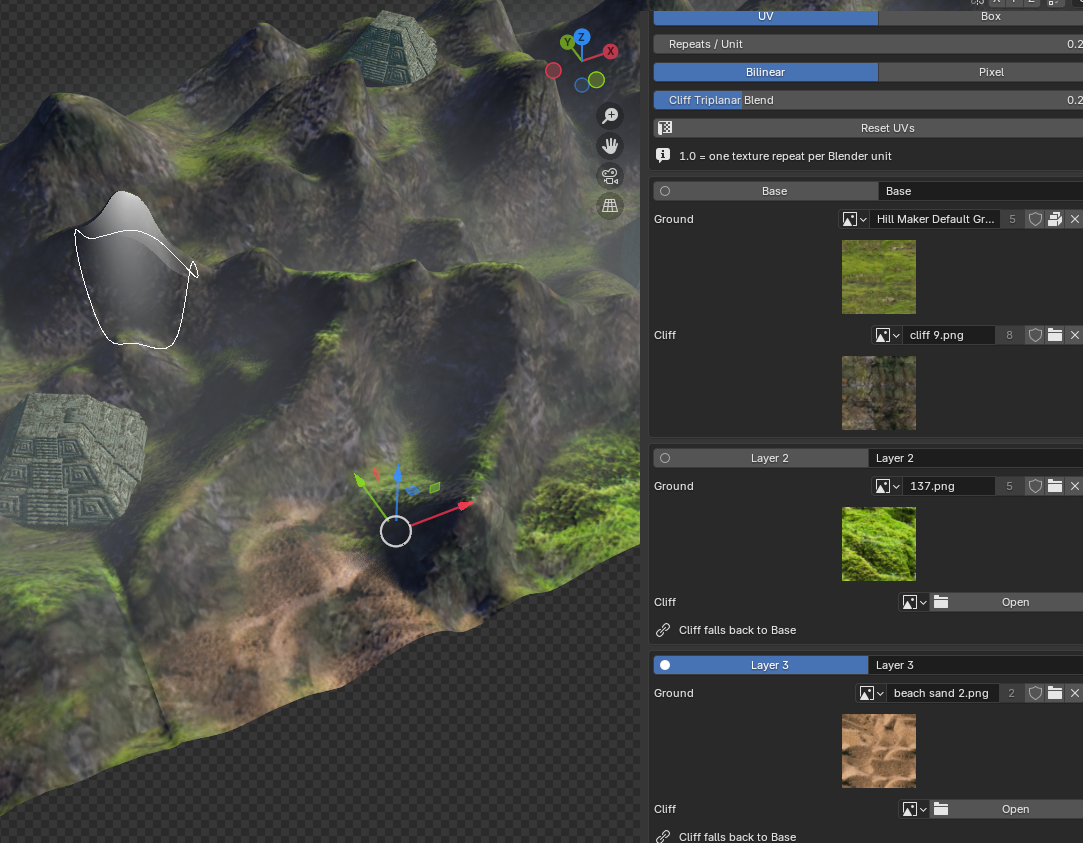
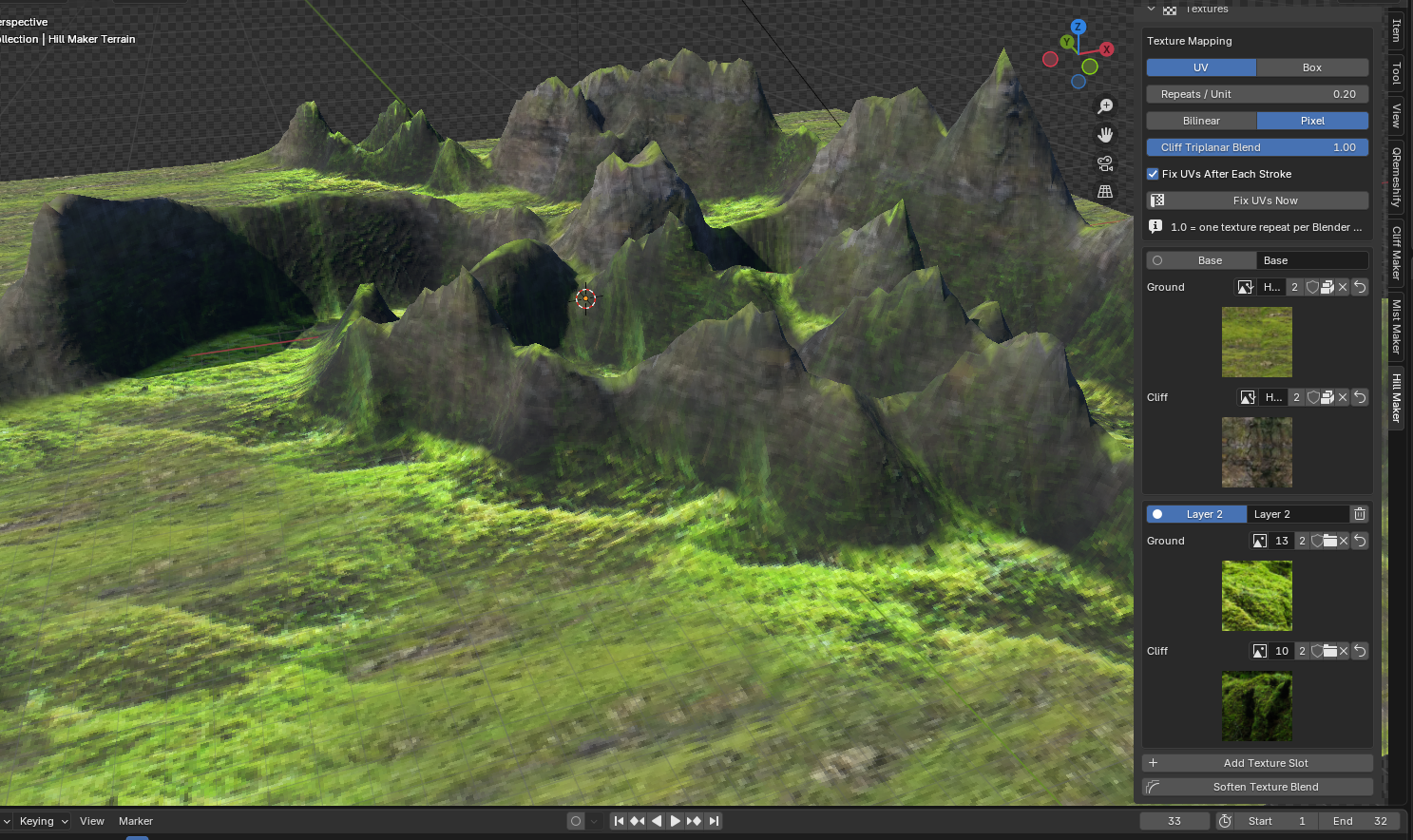
- Paint Textures Paint texture layers directly onto the terrain, and soften the blend between them.
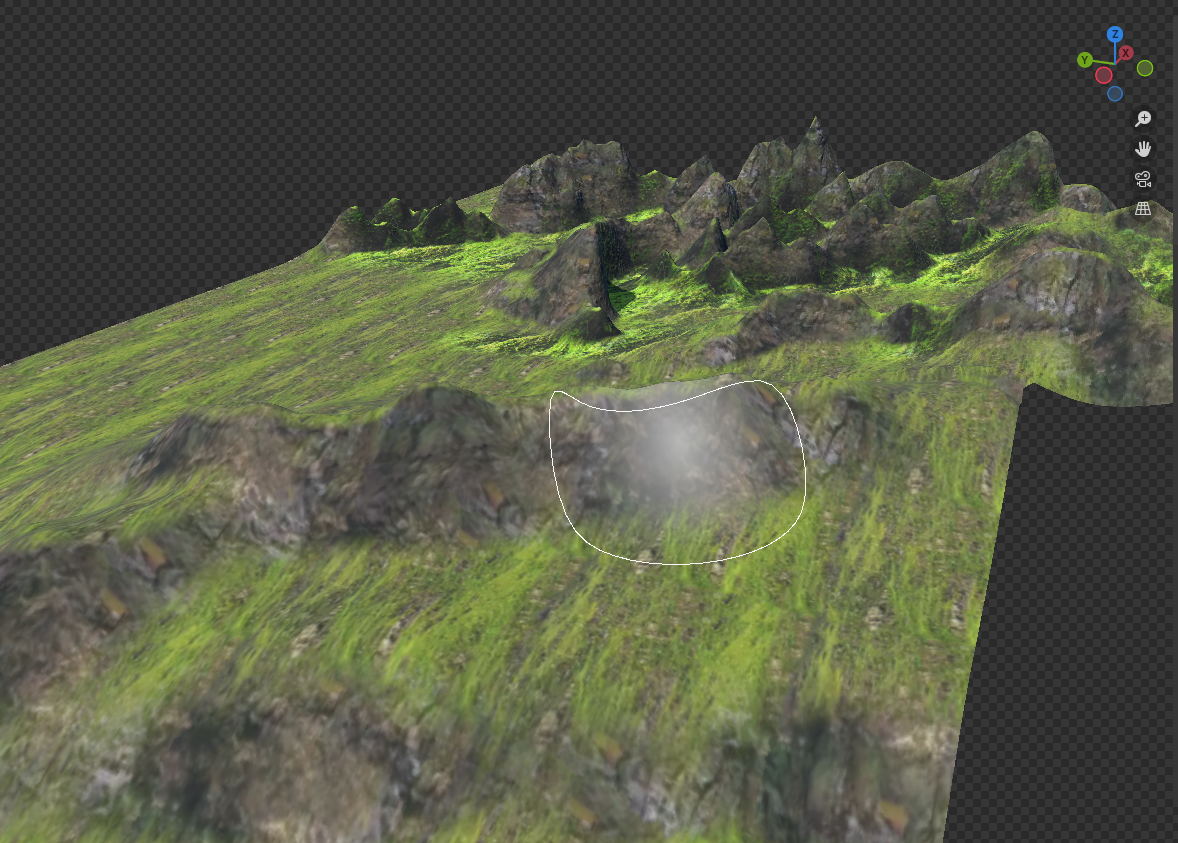
- Stamps Grab any part of your terrain as a heightmap or texture stamp, then place it anywhere with the brush.
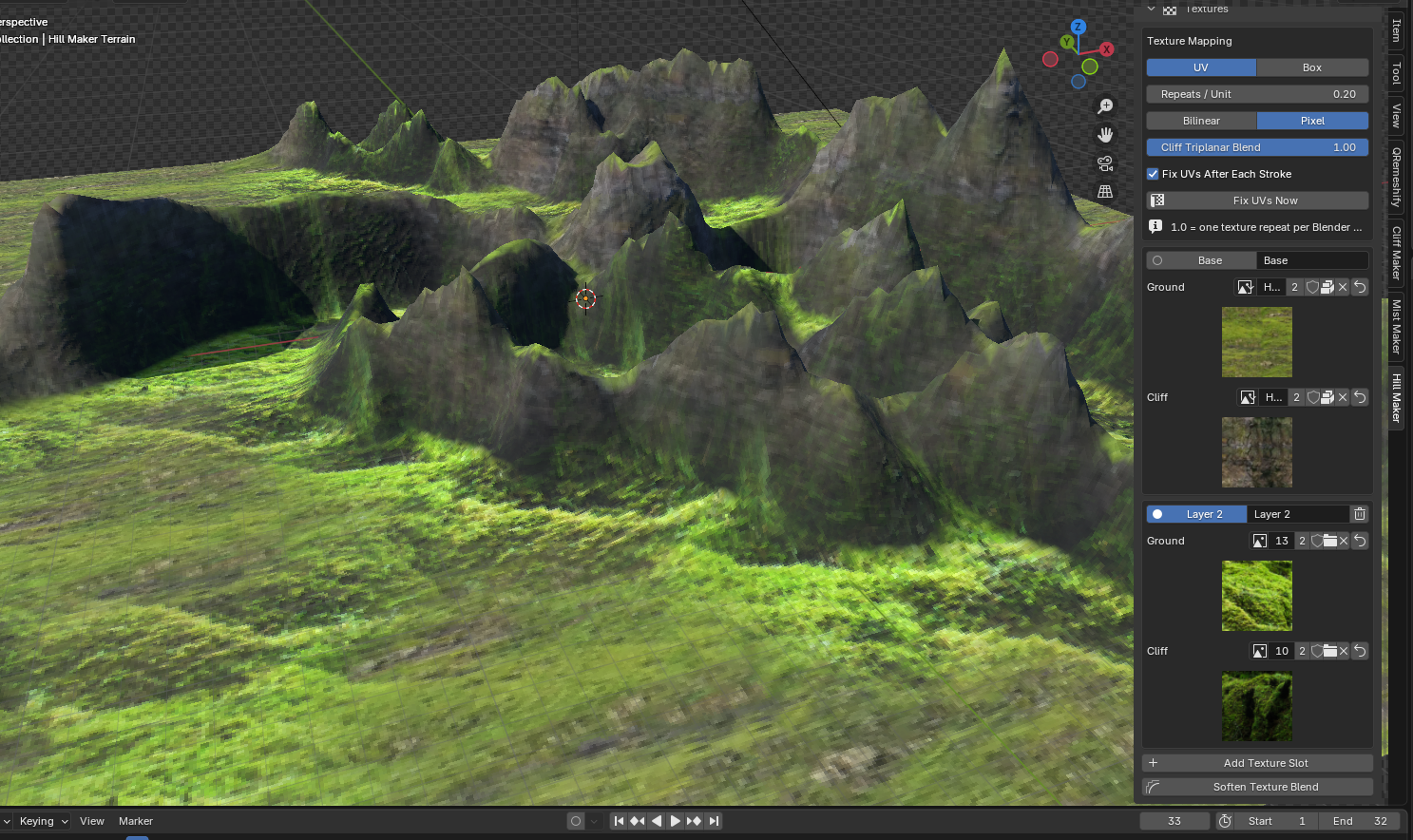
- Ground & Cliff Textures Each texture layer has a ground and cliff texture. Steep slopes automatically switch to the cliff texture.
- Automatic UVs Ground UVs follow the sculpted surface, and cliffs are projected from the sides, so nothing stretches.
- Generated Normal Maps Normal maps are created from your textures automatically. You can then save the normal maps for use in a game engine.
- Shading Controls Switch between Smooth, Auto Smooth, and Hard shading, and set the specular amount.
- Resize Anytime Change the resolution or size of the terrain without losing your work.
Advanced Features
- There are also some more advanced tools if you want more control over the terrain.
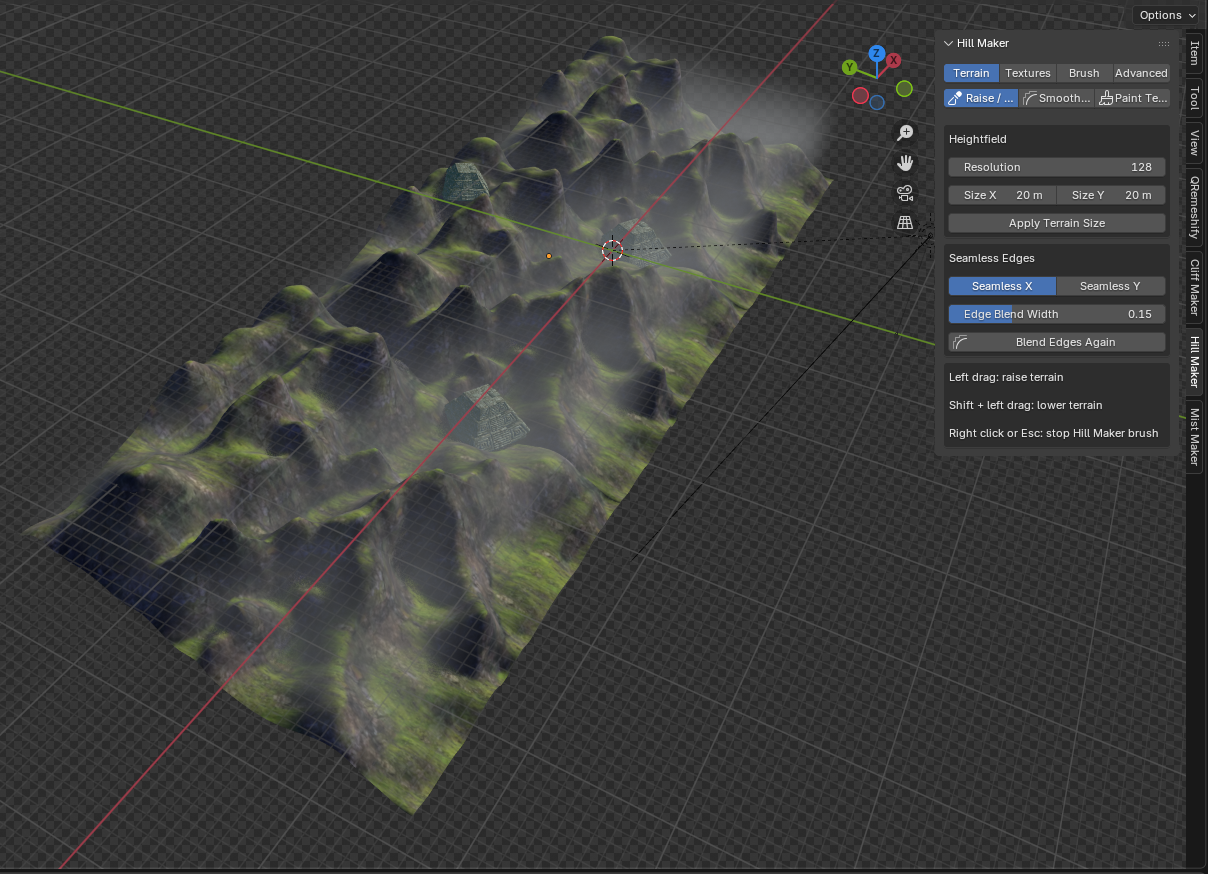
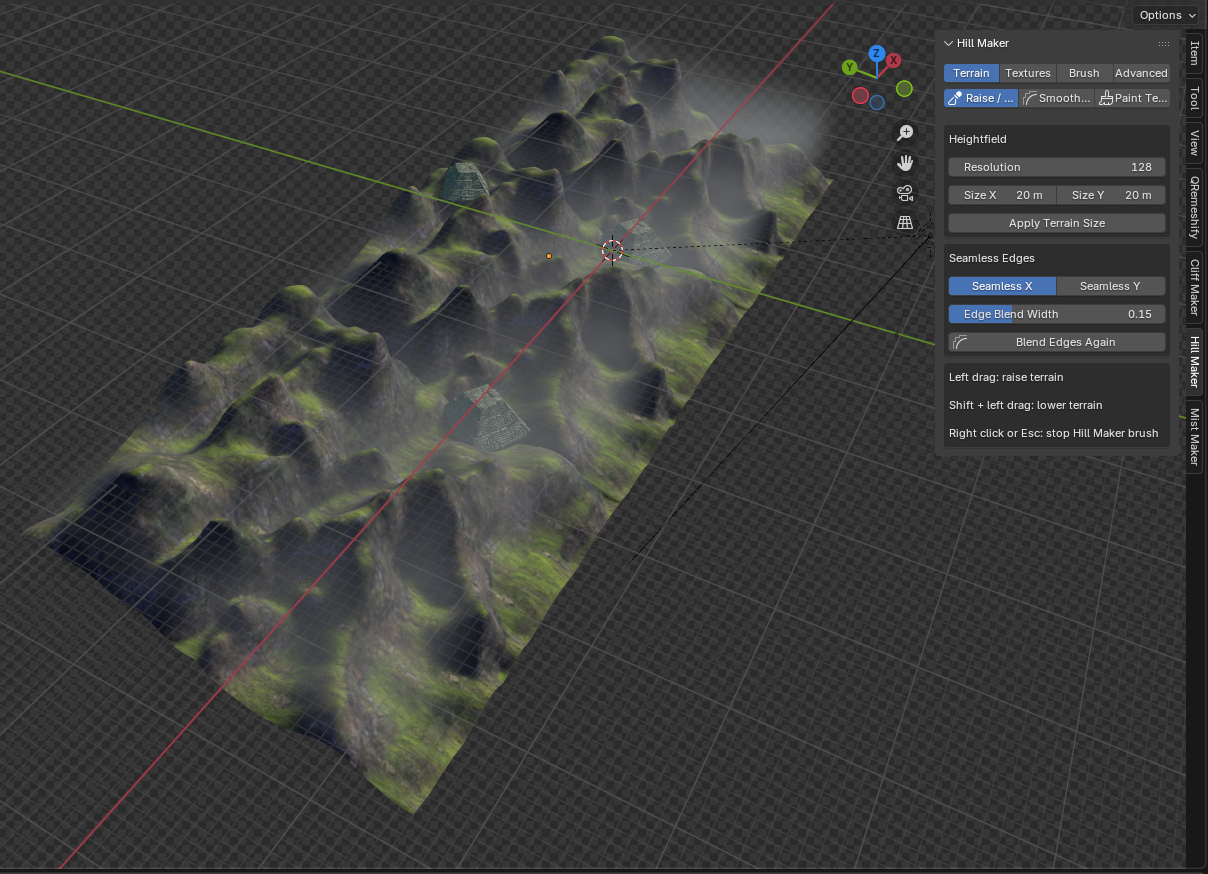
- Seamless Edges Make the left/right and top/bottom edges match so the terrain can tile.
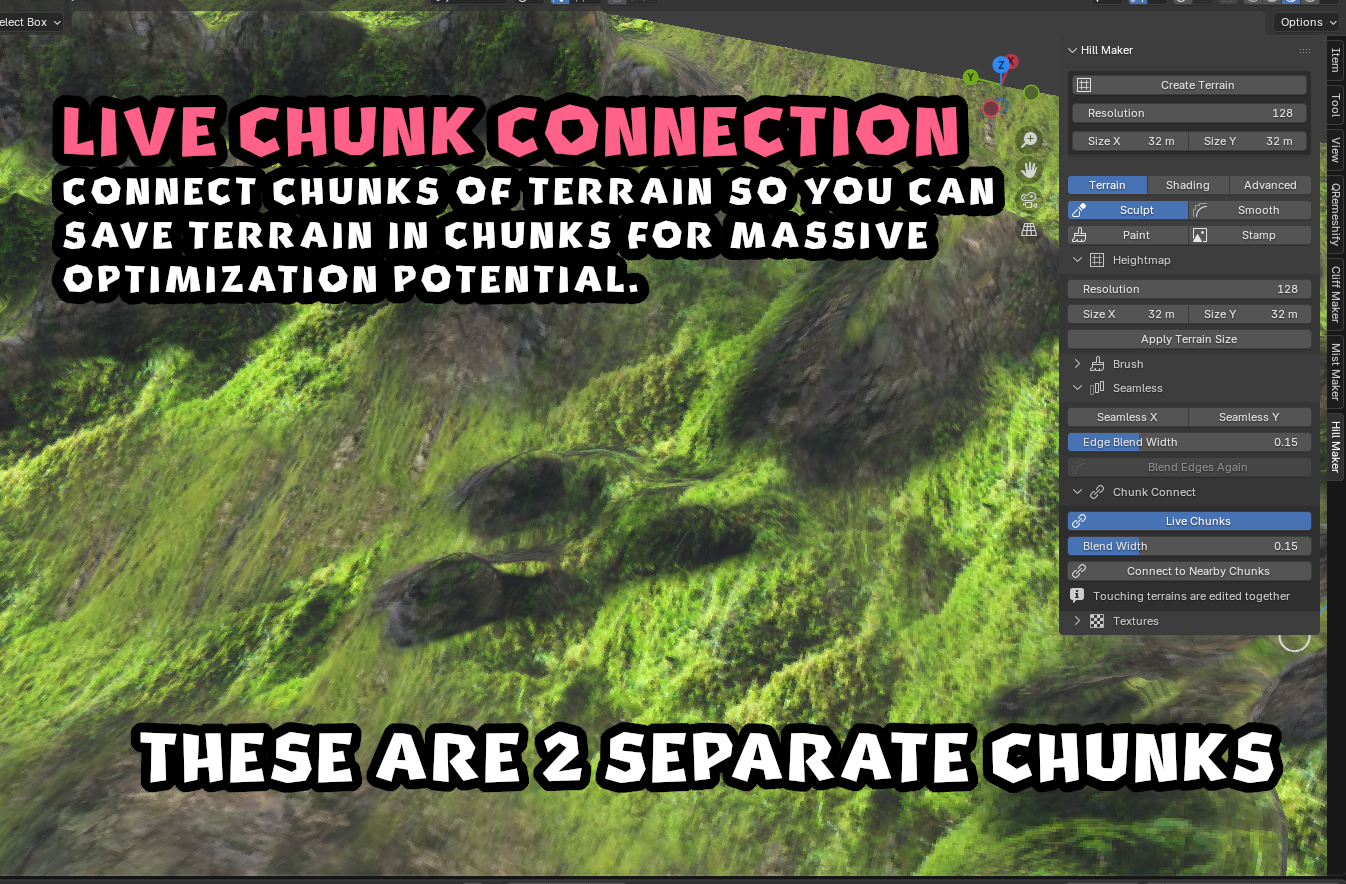
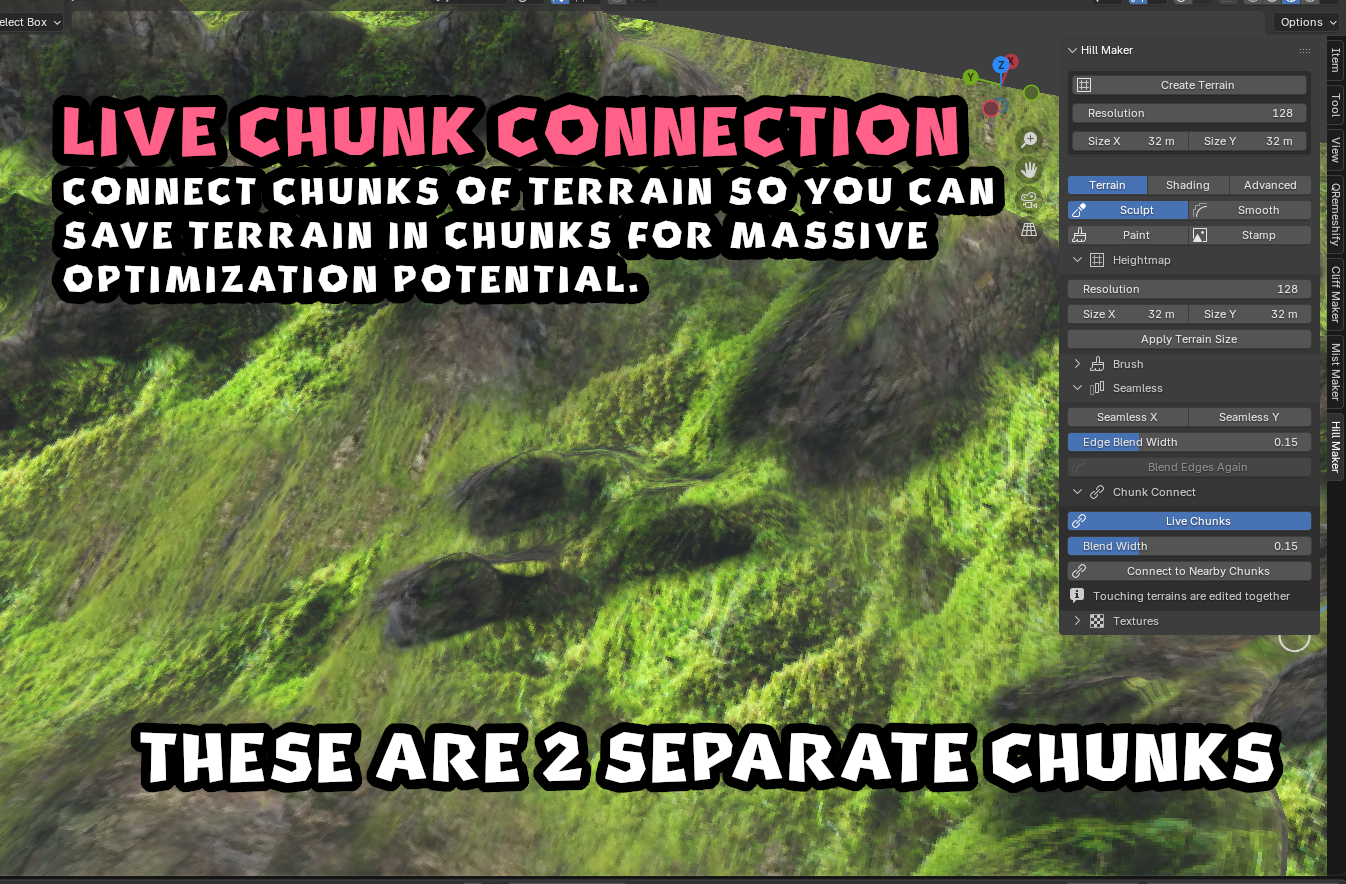
- Chunks Place terrains next to each other and connect them. With Live Chunks on, sculpting across the edge edits every chunk under the brush and keeps them welded, while each chunk stays its own object.
- Quickly export chunks separately or as one.
- Automatic chunk naming.
- Global Stamp Palette Keep your favorite stamps in a global palette so you can use them in any project.
- Auto Triangle Direction Grid squares are split along the direction of your ridges and valleys, so diagonal shapes don't zigzag.
- Texture Filtering Choose between Bilinear and Pixel filtering for a smooth or pixelated look.
- Slope Settings Control where cliffs start and where the ground texture takes over.
- Undo Every stroke and every stamp is its own undo step.
Installation
- Open Blender (4.2 or newer).
- Go to Edit > Preferences > Get Extensions.
- Open the menu in the top right and click Install from Disk.
- Select the Hill Maker ZIP.
You'll find it in:
3D Viewport > Sidebar (N on Keyboard) > Hill Maker
Other Tools:
- Cliff Maker (similar but for terrain cliffs)
- Cycletex (use to make your seamless textures - textures in Hill Maker are made with Cycletex)
- Dream Note (project organizer)
Connect:
Discord
Youtube
X (Twitter)
Purchase
In order to download this tool you must purchase it at or above the minimum price of $9.99 USD. You will get access to the following files:
Download demo
Comments
Log in with itch.io to leave a comment.
Thank you for the report. I need to test with blender 5.0 and fix this. I'll let you know when I have it up - shouldn't take long hopefully.
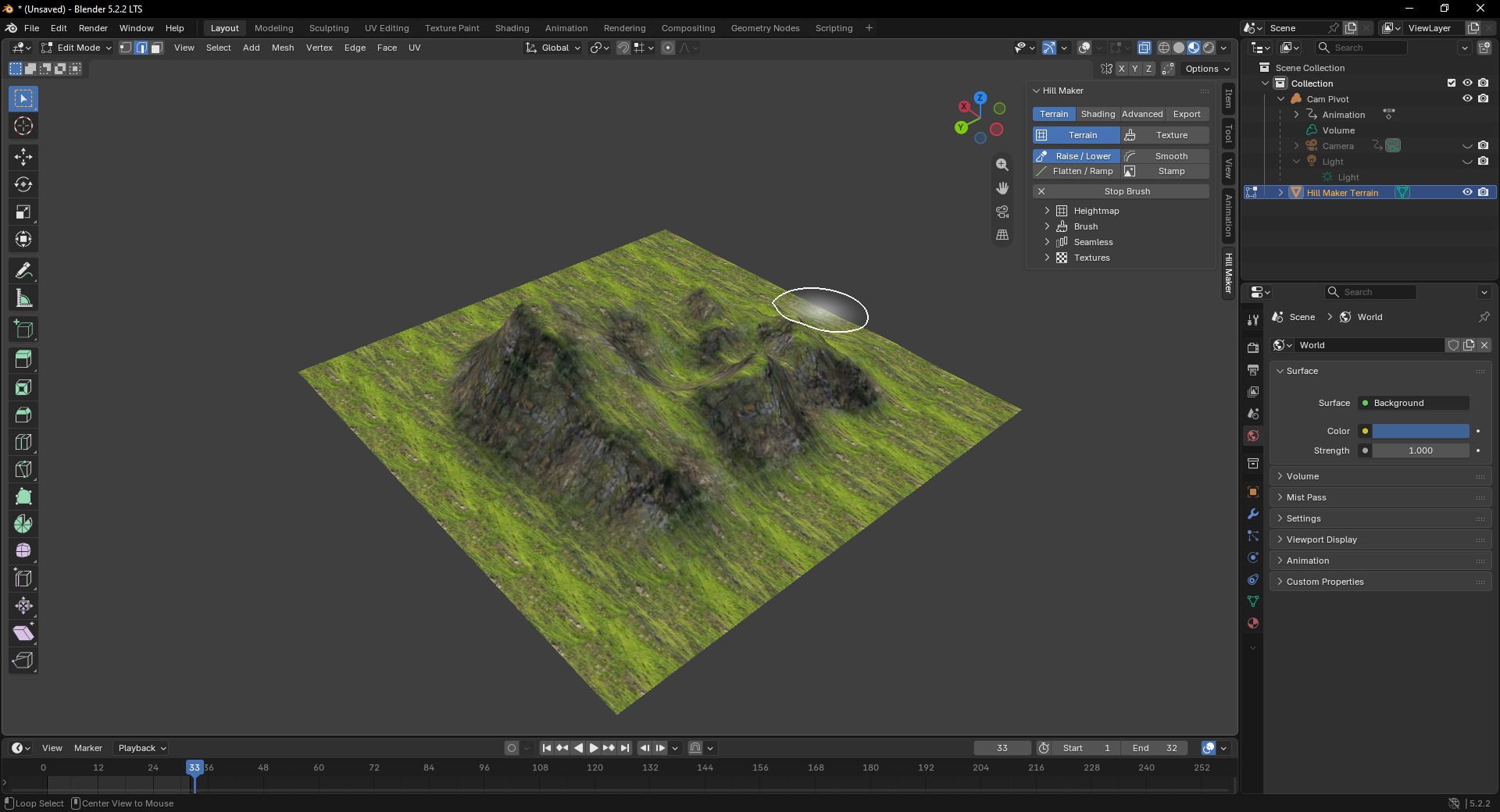
Just tested. It should be working in the newest blender version 5.2.2 LTS now
Nice, would love to have an extra texture blend for paths
Hey there Amin. I'm not sure what you mean by this. You should be able to create multiple texture blends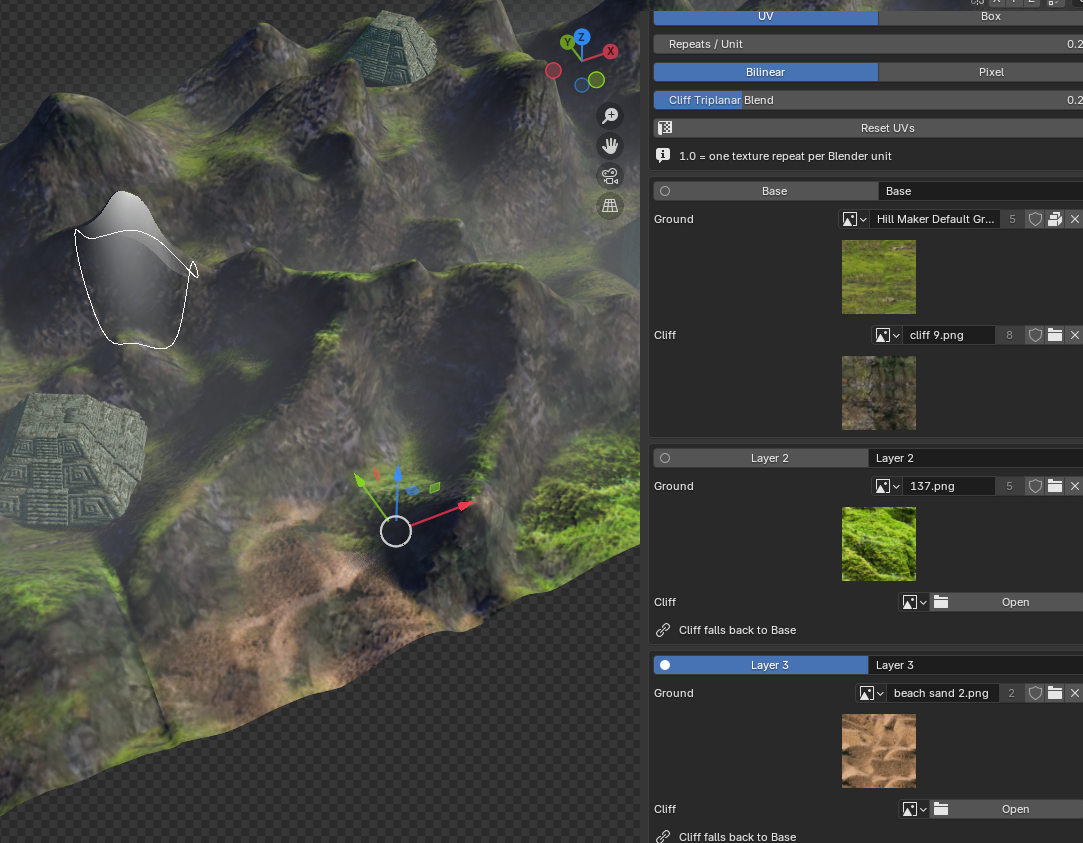
Create another texture layer & then select texture>paint at the top, then select the texture layer that you want to paint.
ah gotcha, awesome