Cliff Maker - Low Poly Level Design (Blender Addon)
A downloadable tool
Cliff Maker
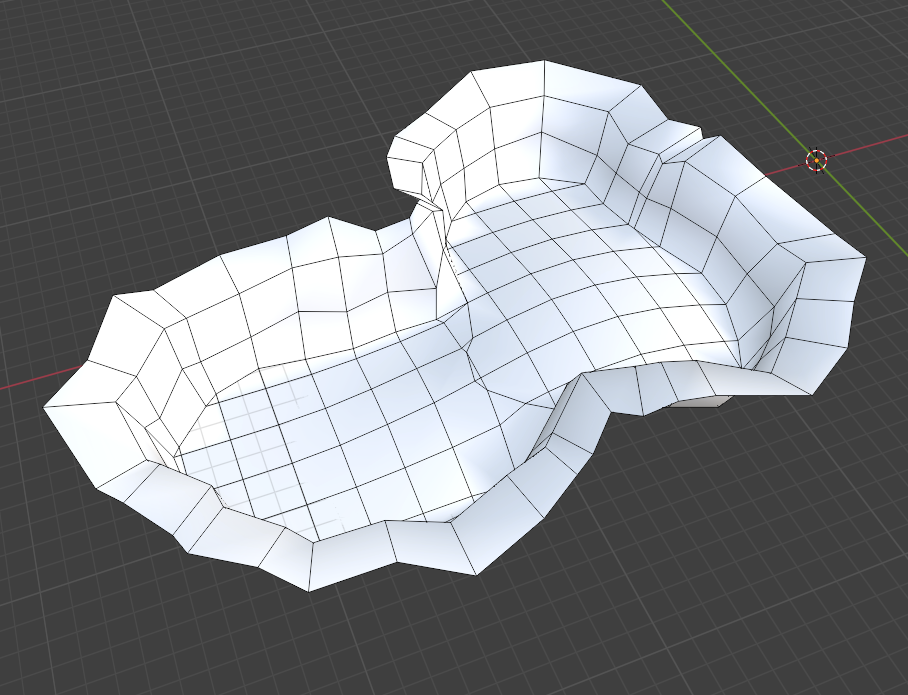
Cliff Maker is a Blender addon for quickly building low-poly floors, cliffs and layered terrain. Draw your level shape, generate the cliffs, auto texture, blend, & UV, and keep editing everything directly in Blender.
Features
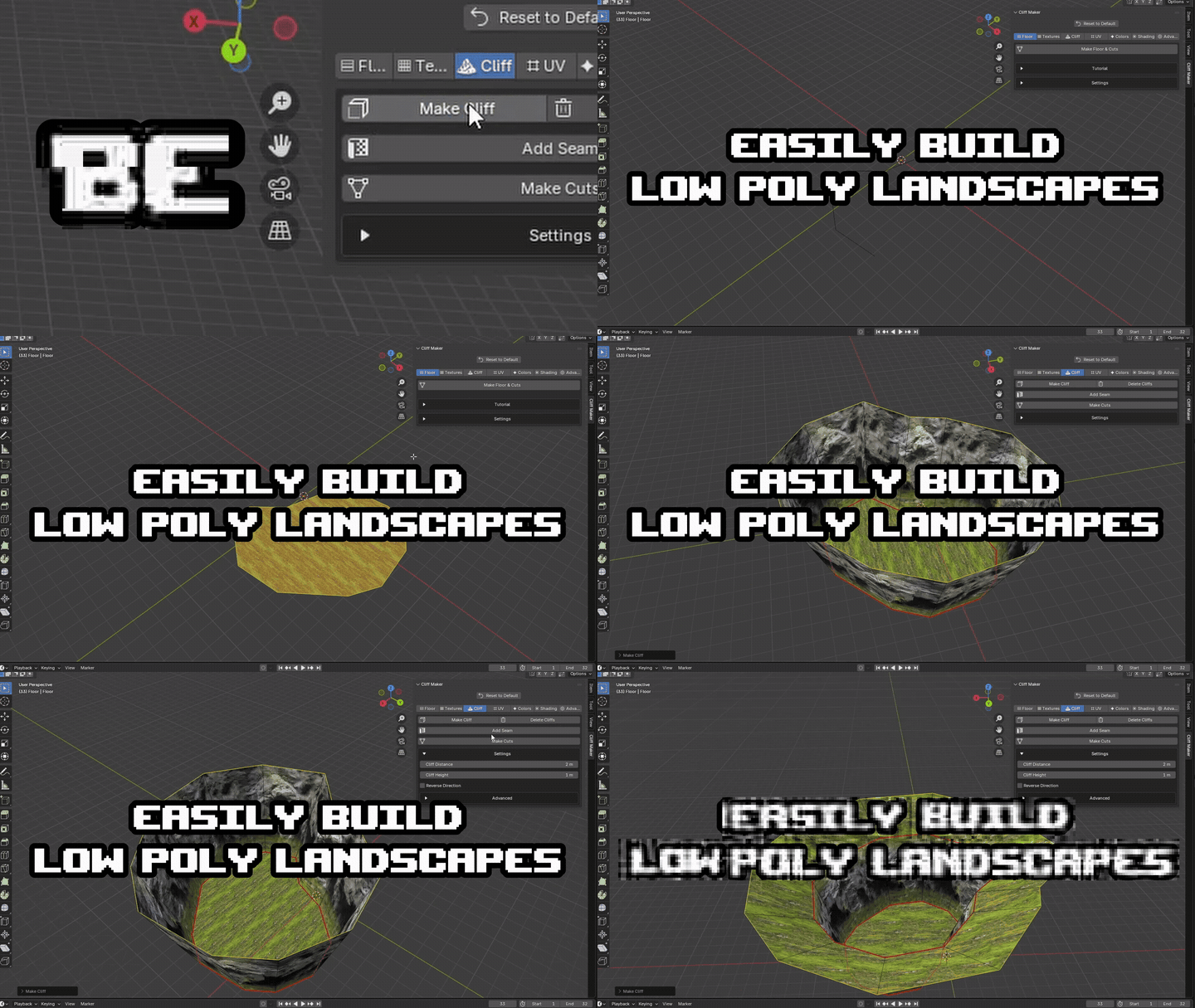
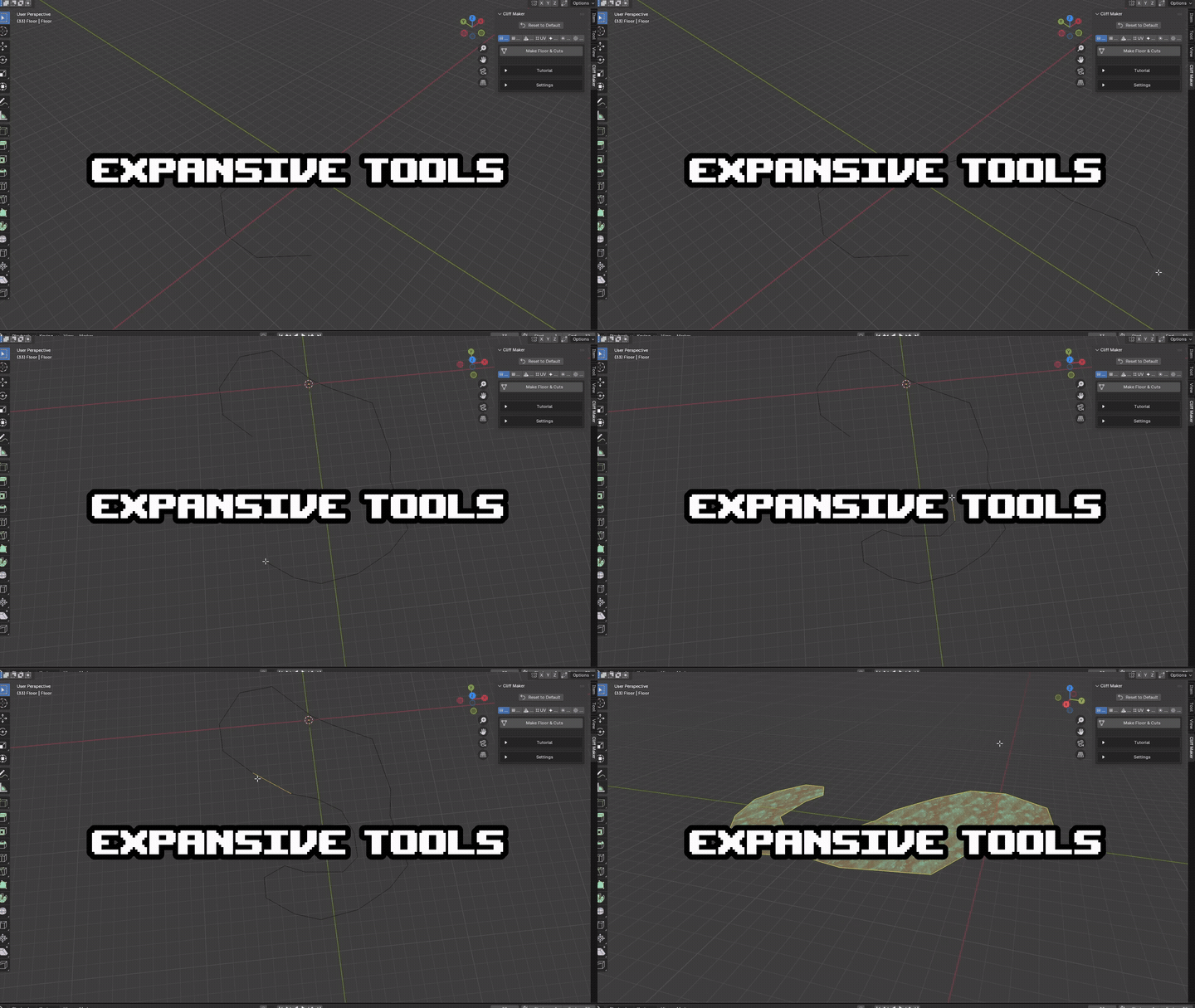
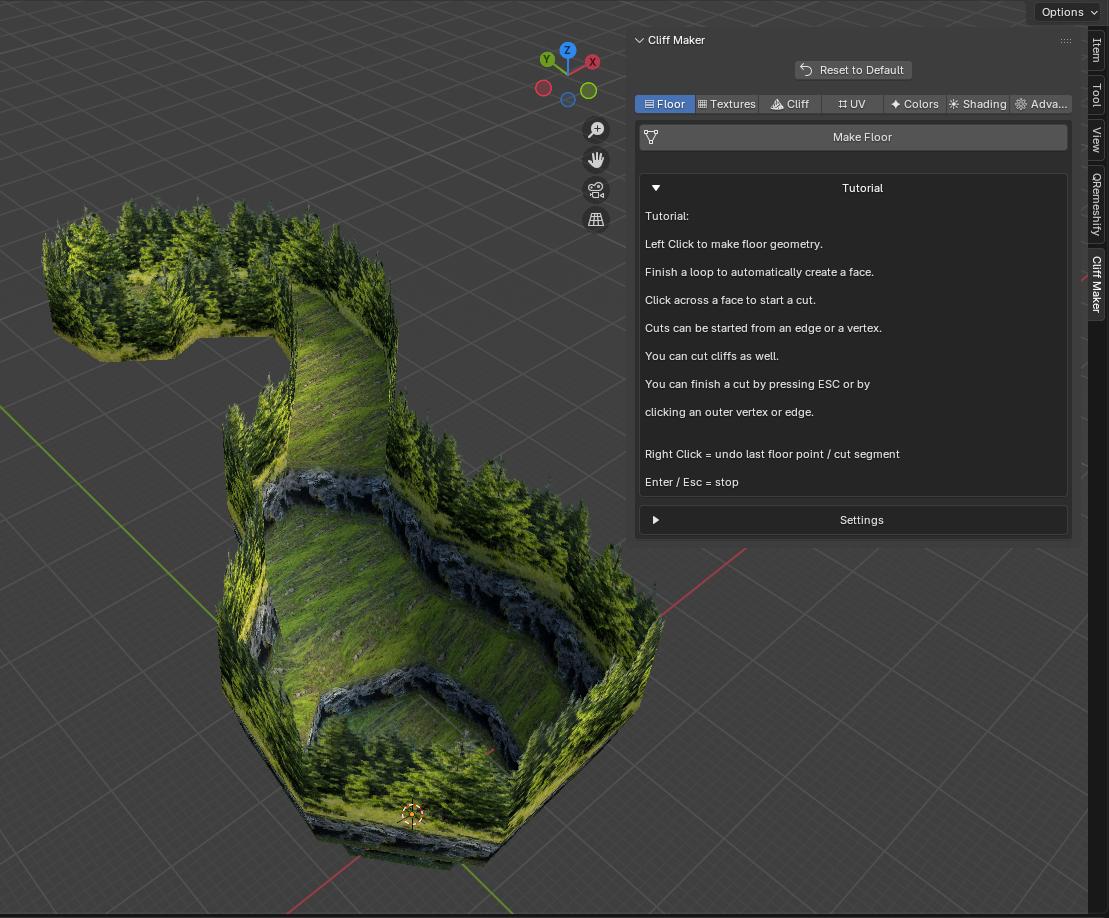
- Draw Floor Shapes Draw the shape of your terrain directly in the viewport.
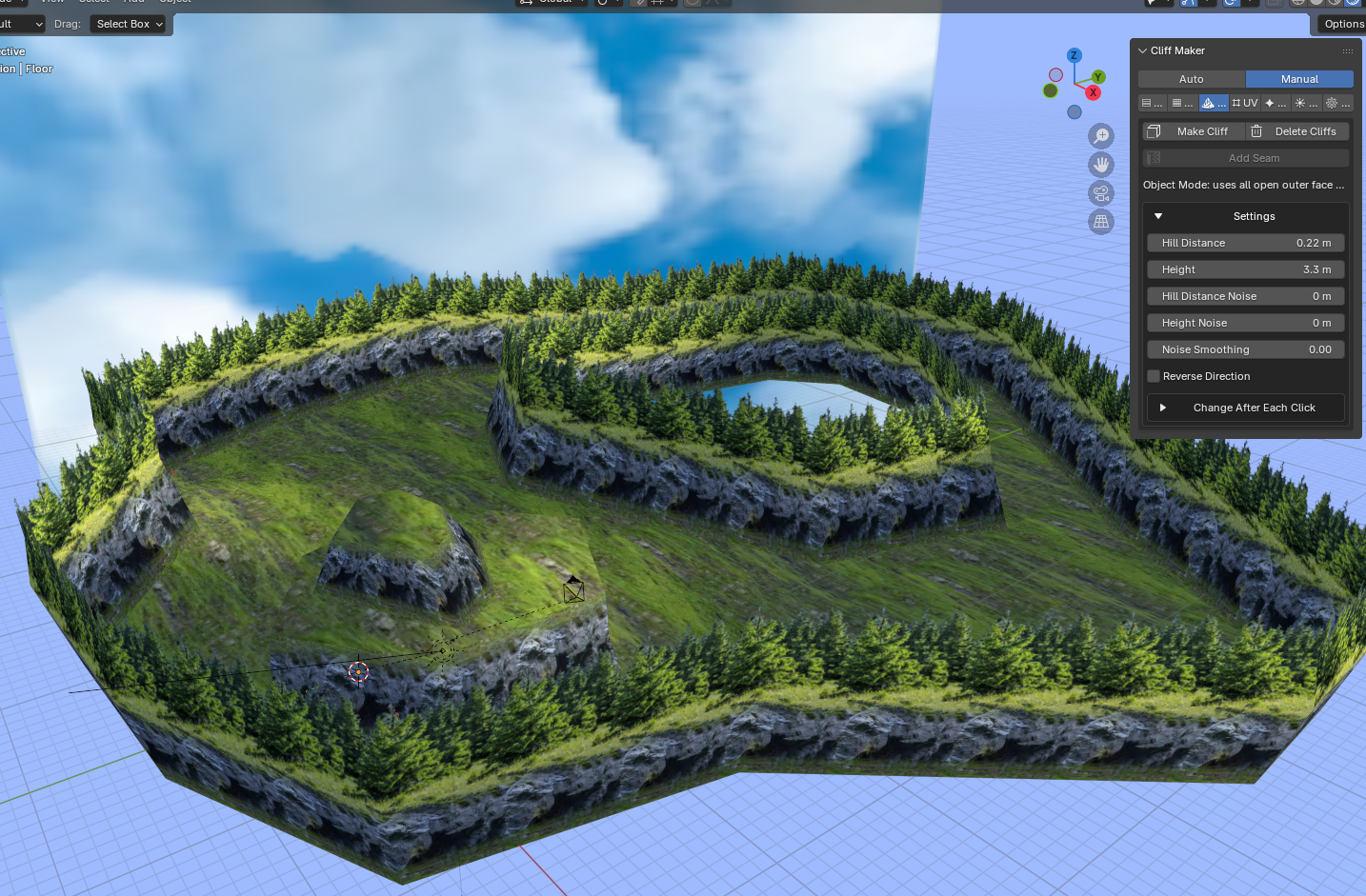
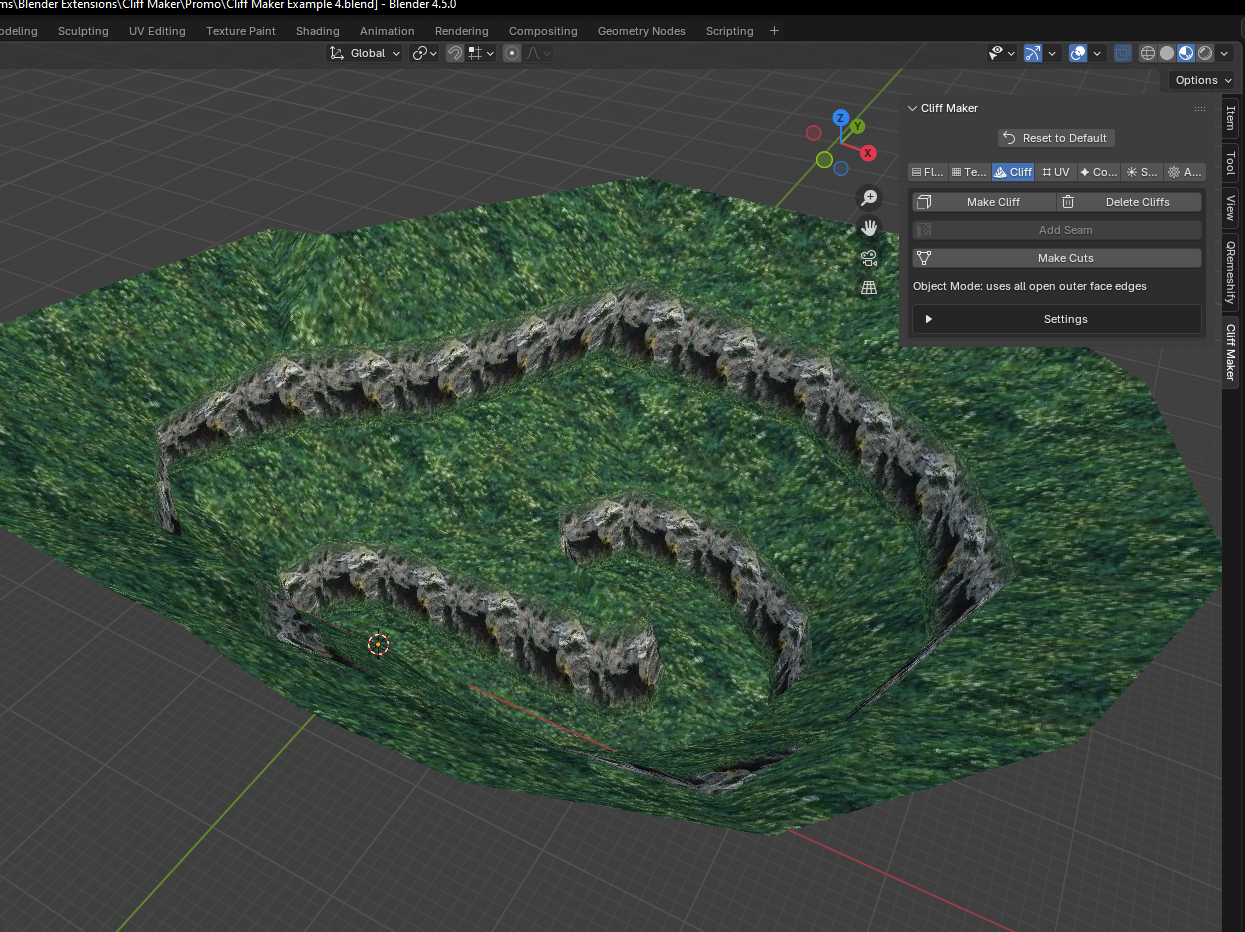
- Make Cliffs Select the edges you want and generate cliffs from them.
- Adjust Cliff Height & Distance Easily control how tall the cliffs are and how far they extend.
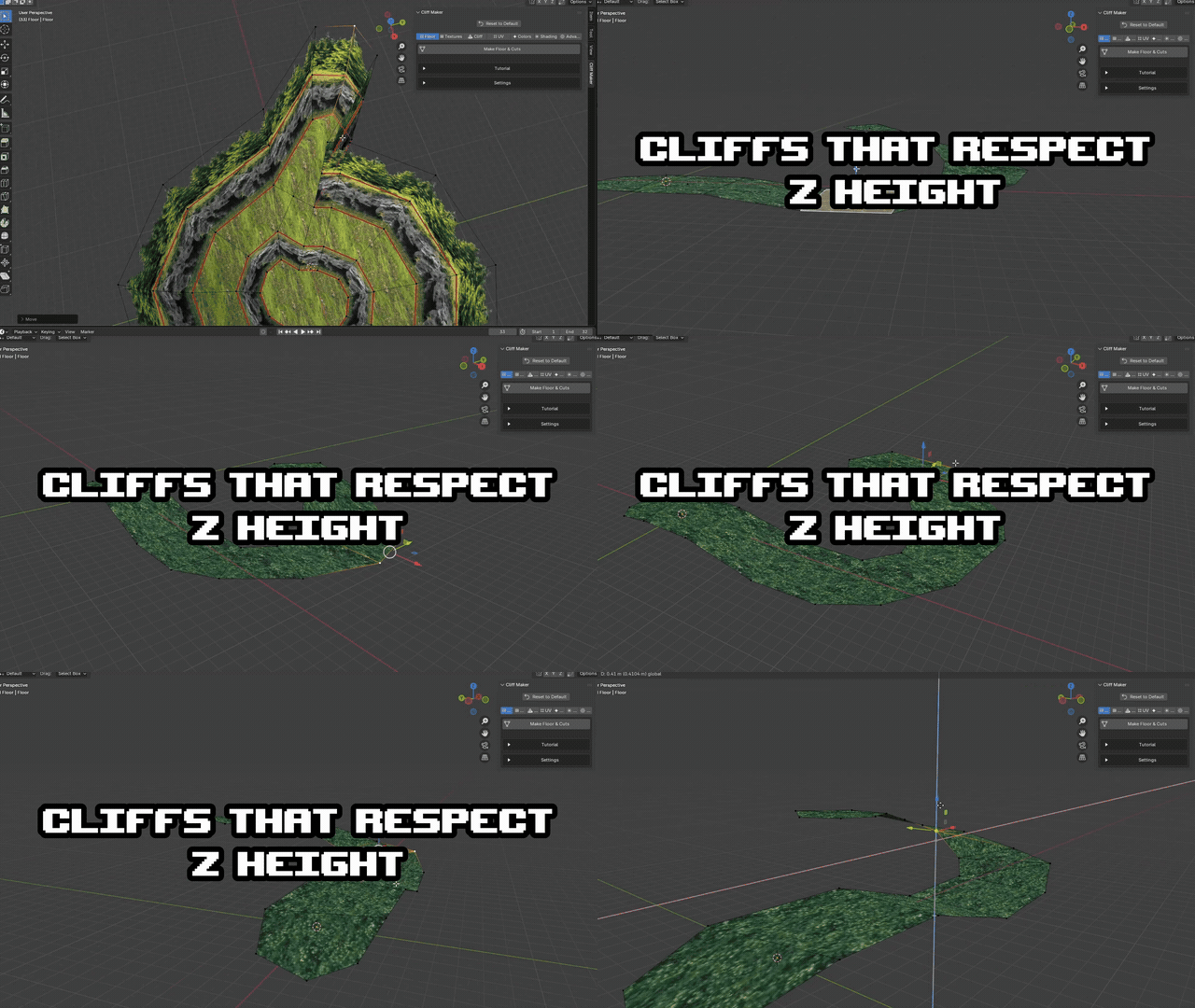
- Cut Floors & Cliffs Draw cuts directly across your terrain to split it into different shapes and sections.
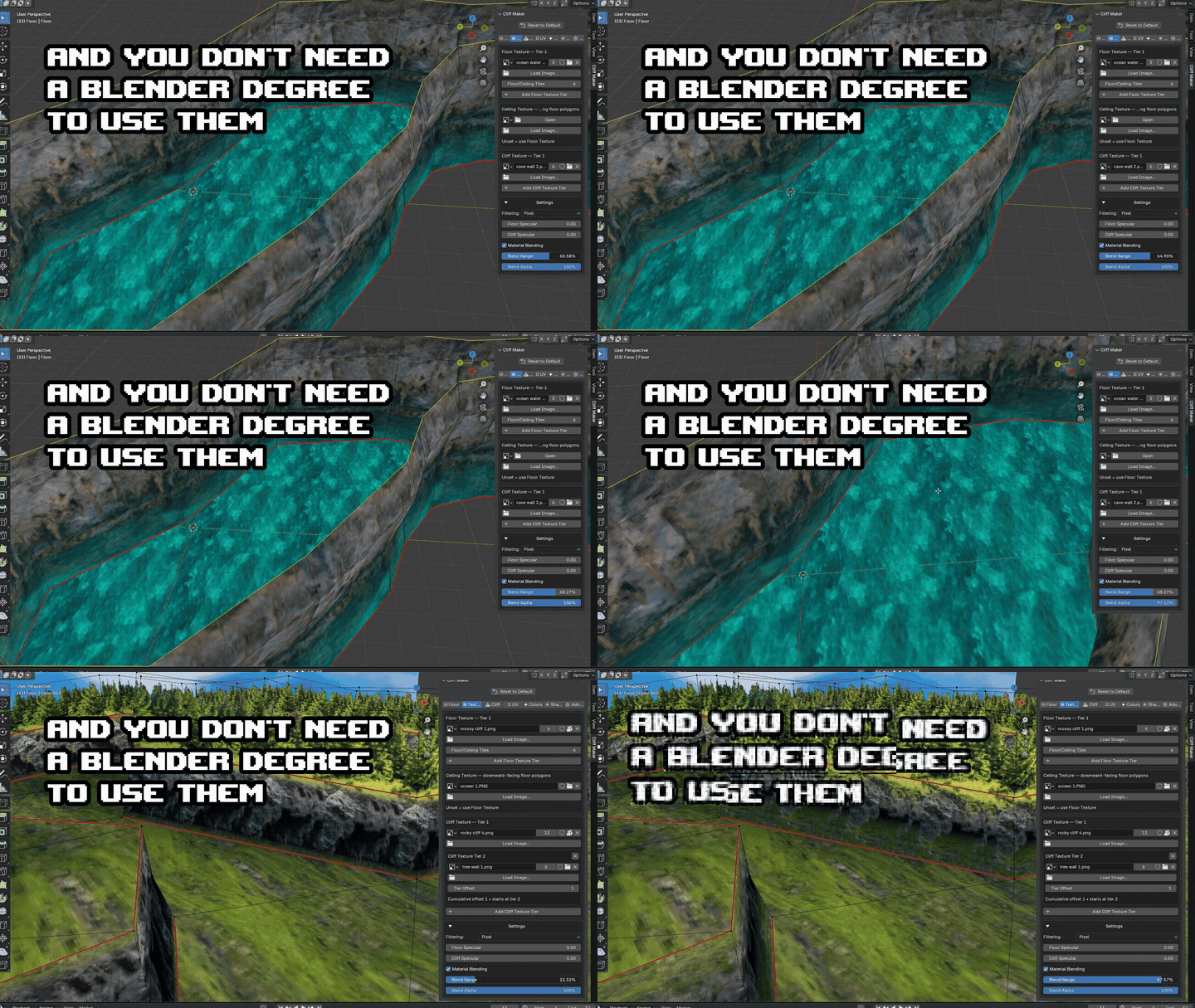
- Floor & Cliff Textures Assign separate textures for the floor, cliffs, and underside / ceiling.
- Automatic UVs Cliff Maker can automatically UV the terrain and tile floor textures for you.
- Vertex Colors Quickly paint selected parts of the terrain with vertex colors.
- Shading Controls Switch between Smooth, Auto Smooth, and Hard shading.
- Delete & Rebuild Cliffs Cliffs can be removed without destroying the floor geometry underneath them.
Advanced Features
There are also some more advanced tools if you want more control over the terrain.
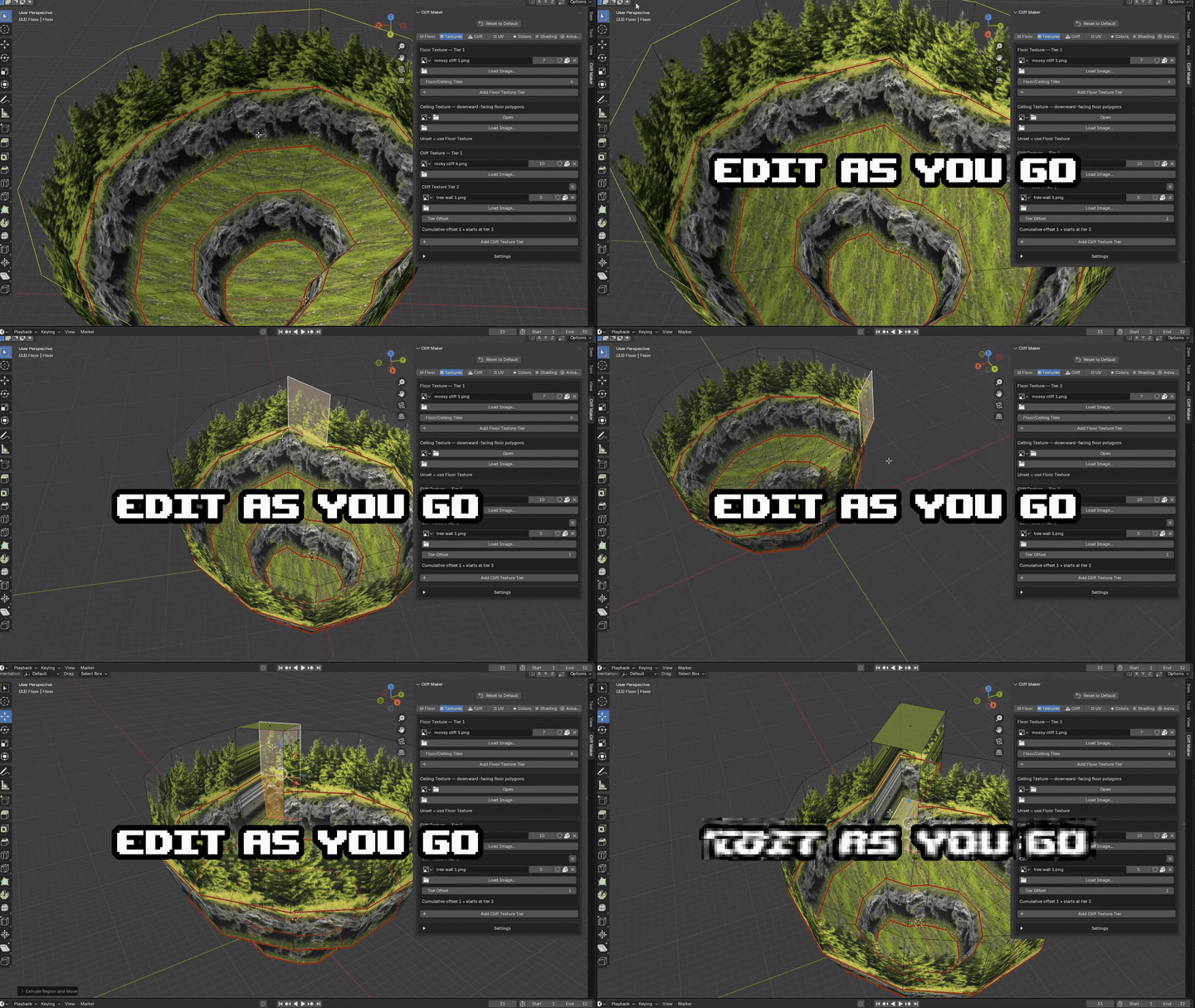
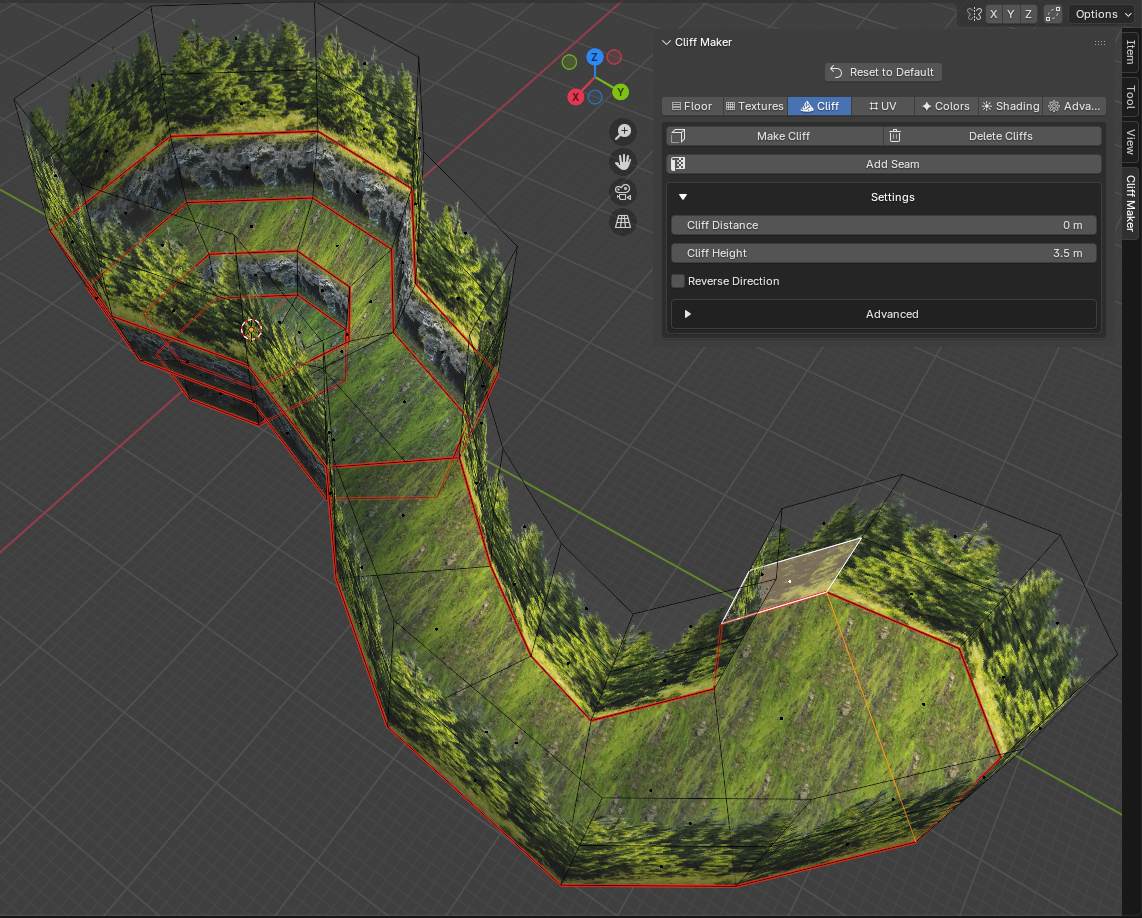
- Texture Tiers Add multiple textures to the same cliff. Seams can be used to split the cliff into different texture tiers.
- Texture Blending Blend between cliff texture tiers and between cliffs and the floor texture.
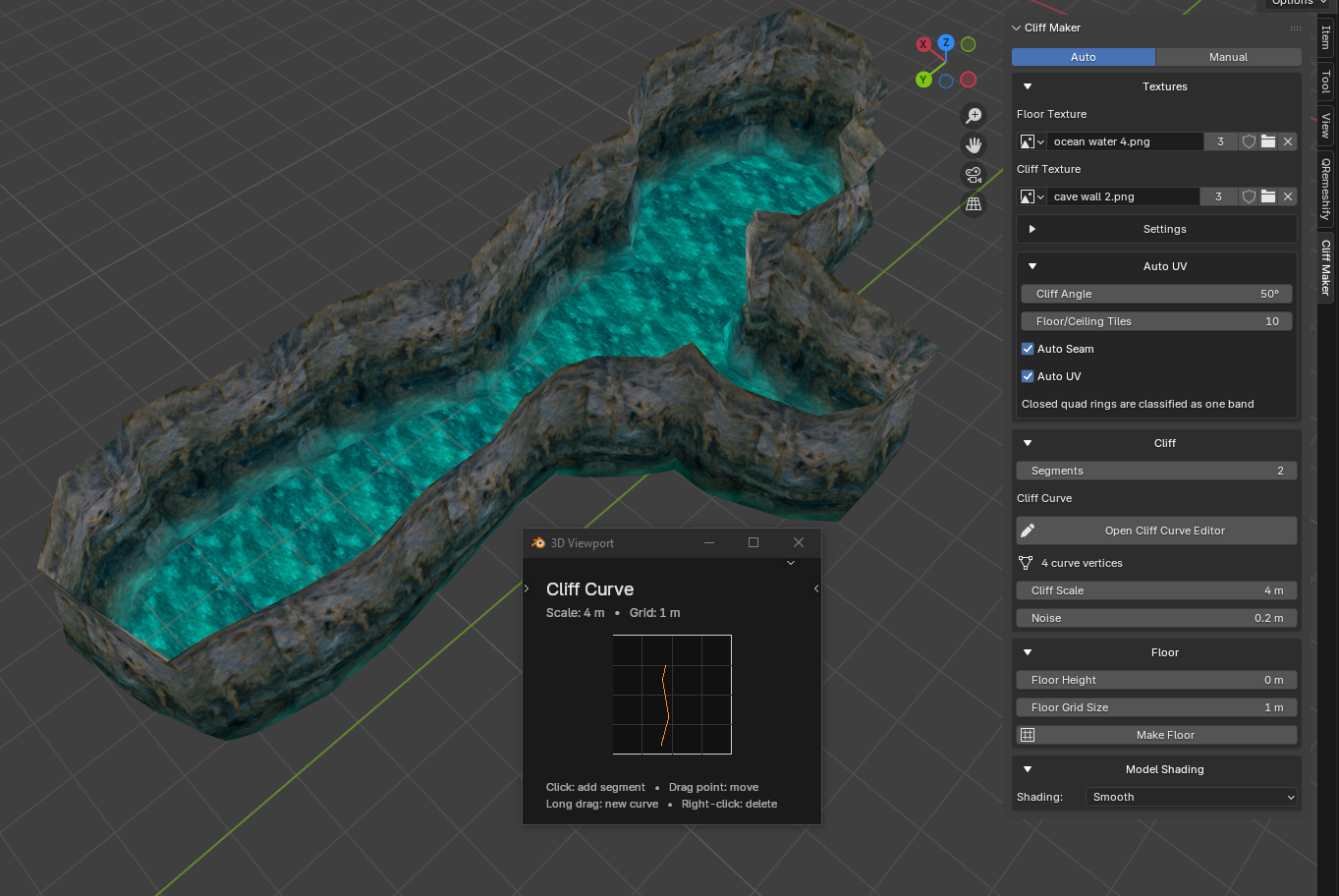
- Cliff Noise Add variation to the height and shape of generated cliffs so they aren't completely uniform.
- Progressive Cliff Changes Change cliff height or distance as you create them.
- Manual UV Seams & Overrides Add your own seams, force selected geometry to use cliff or floor UVs, or let Cliff Maker continuously update the UVs.
- Floor / Ceiling Fill Tools Fill open terrain areas and create floor or ceiling geometry.
- Cliff Bevel Tool Bevel selected cliff edges directly from the Cliff Maker panel.
- Selection Helpers Quickly select outer terrain edges for cliff creation and editing.
- Separate Floor, Cliff & Ceiling Materials Control texture filtering, specular values, texture tiling, and other material settings separately.
Installation
- Open Blender.
- Go to Edit > Preferences > Add-ons.
- Click Install from Disk.
- Select the Cliff Maker ZIP.
- Enable Cliff Maker.
You'll find it in:
3D Viewport > Sidebar (N on Keyboard) > Cliff Maker
Requirements
Blender 4.0 or newer
Purchase
In order to download this tool you must purchase it at or above the minimum price of $8.99 USD. You will get access to the following files:
Download demo
Development log
- Cliff Maker - Almost there 😬5 days ago
- Cliff Maker - Create Automatic Cliffs12 days ago
- Cliff Maker - First Devlog13 days ago
Comments
Log in with itch.io to leave a comment.
nice this is my dream lowpoly level art style where a dev with an afternoon and an idea can make a real world
f**k off the AAA games that takes 60GB and $1M for a random 4K PBR photorealistic 12-stage art pipeline with QA team rock
lets fucking go. I agree all the way
Hey! This is really cool! Just tried the demo and will probably buy it soon as i get started with the level design on my game. One thing i noticed is that the examples zip seems to have most of its textures missing. Not sure how textures are usually handled in blender tbh, but i'm on 5.2.1 and only had the demo installed.
ah damn, should have saved to a glb. Thanks for letting me know so I can fix that.
Decent offering! I'd like to see a way to easily add paths in ways that can also be auto UV'd - not gonna pretend like I know how to do that but would help add detail to these areas.
I'd recommend Banjo-Tooie for looking at how they used the vertex alpha for making their path textures
Working on it. Oh trust me, I know. I love Banjo Tooie & Kazooie (even DK64 as much as people clown on it idc)
I absolutely love this tool. Tried the demo today and will be getting the full version. I don't yet understand how I could export this to a game engine - will still need to review how that can be achieved
I'm glad to hear it.
export for a game by going to file>export>glb
oh exporting should be easy but, in my limited understanding, I believe some engines like unity do not support multi-material objects(?)
This doesn't keep the alpha blend between textures for me
YIPPEEE
awesome, do you have docs or a discord?
besides the visual examples youve provided would you consider making a super stipped version of your software so we can demo the FEEL of it? im looking for something that would help a dummy like me enjoy using blender to make my low poly levels for my n64 style game
Yes, it would be really good if there was a demo of the software for anyone who wanted to be sure it's as shown, or even if it became free someday. I'm curious, do you have videos or images of your game?
Yes. It's there now.
I forgot to upload the demo. I won't be making it free though.
nor should you! your work deserves compensation
Yes. It's up now. I forgot to upload the demo.
1 hour remains 🎉
Excited for this!
Sweet. I'm going to try to get 1.0 up tomorrow.
Really excited for this! I think it'll really help with the kind of areas I've been making
Glad to hear it. Maybe I should release this thing. :P I want to add more features but I suppose I can do that as time goes on.
I am also very interested in this and wish for the release, super cool that you also made Cycletex!
Thank you - I'm glad to hear it. I want to release it very soon, but I don't want it to be too buggy. I will probably continue to release updates for this & Cycletex, to make them more powerful.
hihi is there anyway i could get a version of this addon to test please?
i know its still in development, but omg this my dream addon.looking forward to release :3
I'm will probably release it very soon & I will release updates over time. It's already pretty powerful, but I want more automatic features. Expect the full release very soon. I'm glad you're excited to use it. :)